Saving links is not the problem. Everyone has a system for that: browser bookmarks, Telegram Saved Messages, a notes doc, screenshots on the phone. The links end up somewhere.
The problem is finding them later.
A week after saving something, "somewhere" is not good enough. You need to know exactly where it is and be able to pull it up in seconds. That requires organization. And most link-saving apps put that work entirely on you.
The Tagging Trap
Every major bookmarking app asks you to tag things. Add some labels. Pick a folder. They make it easy to add tags and then make it your problem when you do not.
In theory, tags are great. In practice, people stop using them within a week. The friction of stopping to think about taxonomy every time you save something is too high. So the library becomes a flat, untagged pile that is almost impossible to search meaningfully.
What Automatic Organization Actually Means
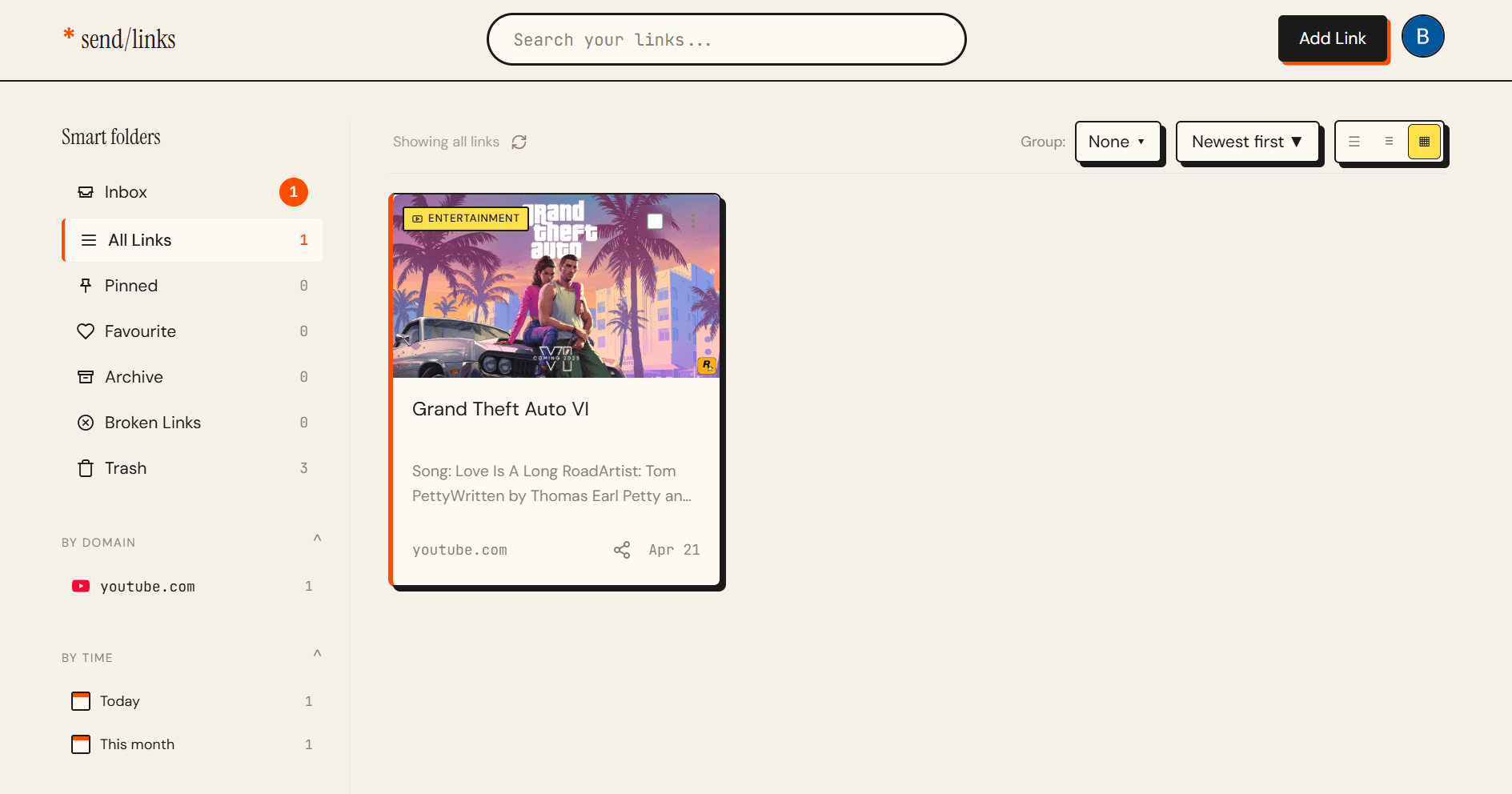
An app that organizes links automatically does not wait for you to tag something. It reads the page content and assigns a category on its own.
Save a React tutorial and it goes under Development. Save a restaurant you want to try and it goes under Food. Save a scientific study and it goes under Research. No prompts, no decisions, no friction.
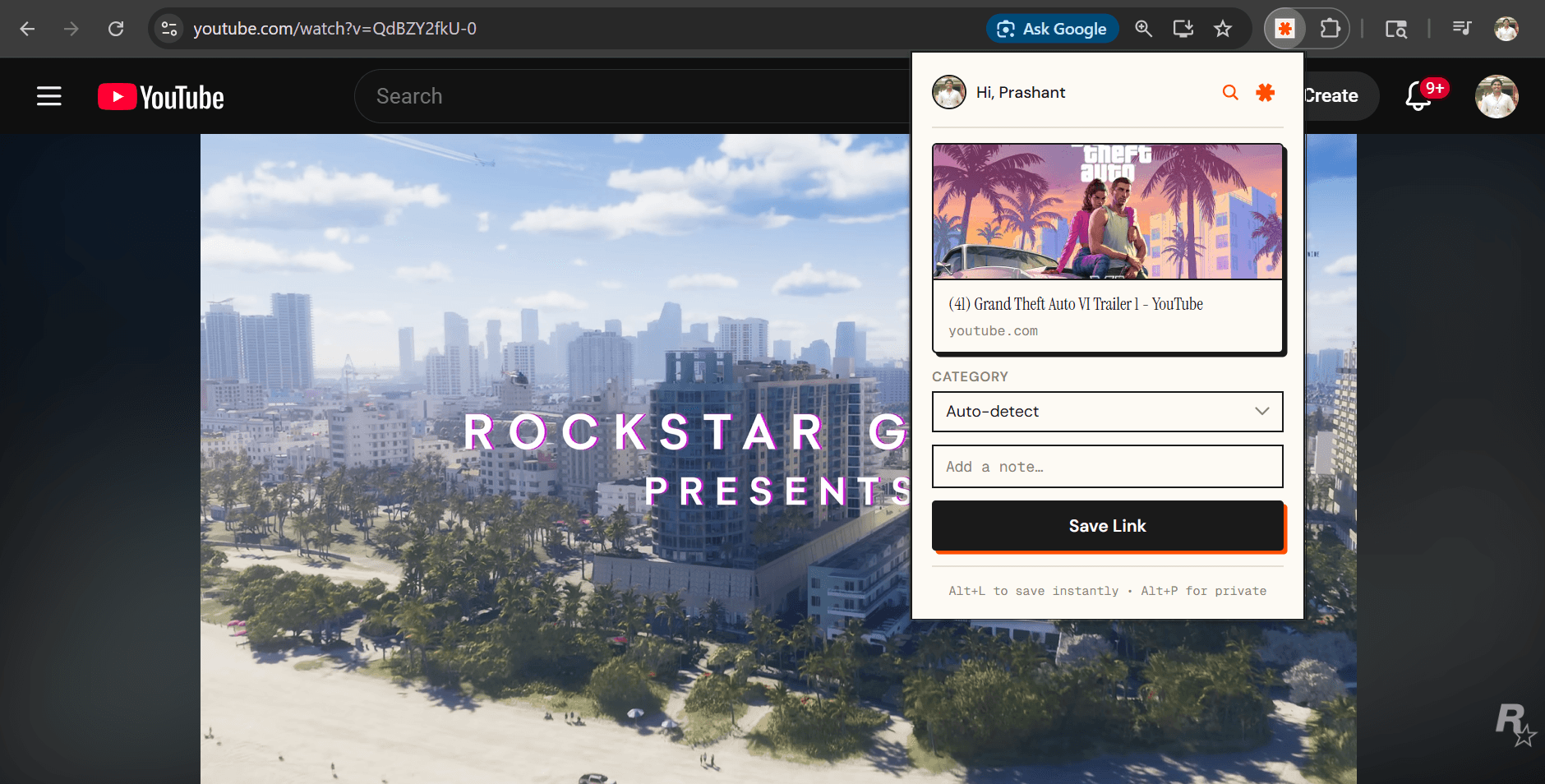
This is what send/links does. Every link you save gets a title, description, and category pulled from the page itself. By the time you open your library a week later, everything is already sorted.
What to Look for in a Link-Saving App
Not all automatic organization is equal. Here is what actually matters.
Speed of capture. If saving takes more than a few seconds, you will skip it. The send/links Chrome extension saves with a single click. The Telegram bot saves when you forward a URL. Both take under two seconds.
Quality of categorization. Shallow categorization that lumps everything into "Article" or "Website" is useless. send/links uses actual page content, titles, metadata, and body text, to pick a meaningful category.
Search that works. When you need something three weeks later, you should be able to type a fragment of what you remember and find it. Search in send/links works across titles, descriptions, and domains.
Private mode. Some links are not for everyone. Job listings, medical research, gifts you are buying. A good app handles this without requiring a separate account or workaround.
The Setup
Create a free send/links account. Install the Chrome extension. Connect your Telegram account. Save your first link.
In five minutes you have a working system that requires no maintenance. No tagging, no folder management, no cleanup sessions.
A Library You Actually Use
The best link-saving app is one that stays out of your way while you are saving and gets out of your way while you are searching.
Try send/links free. Your first save takes under 10 seconds.
Developers: the send/links API lets you push links programmatically from scripts, bots, and automations.