You have a bookmark folder called "Read Later" with 400 items in it. Or a Pocket account you stopped using because it got too cluttered. Or a notes document full of URLs with no context.
The links are technically saved. They are practically lost.
Saving links is easy. The part everyone gets wrong is building a system where you can actually retrieve something three weeks after saving it.
Why Most Systems Fail
The failure mode is always the same: the saving step is fast but the organizing step is slow, so people skip it.
Traditional bookmarking asks you to pick a folder or add tags every time you save something. That is fine for the first twenty links. After a hundred it becomes a job. You either do the admin work and end up with an over-engineered folder hierarchy, or you skip it and end up with a flat pile.
Either way, you stop trusting the system. And once you stop trusting it, you stop using it.
The Principle That Actually Works
A link organization system that works has one property: it requires zero decisions at save time.
Saving should be instant. Organization should happen in the background. Retrieval should be fast.
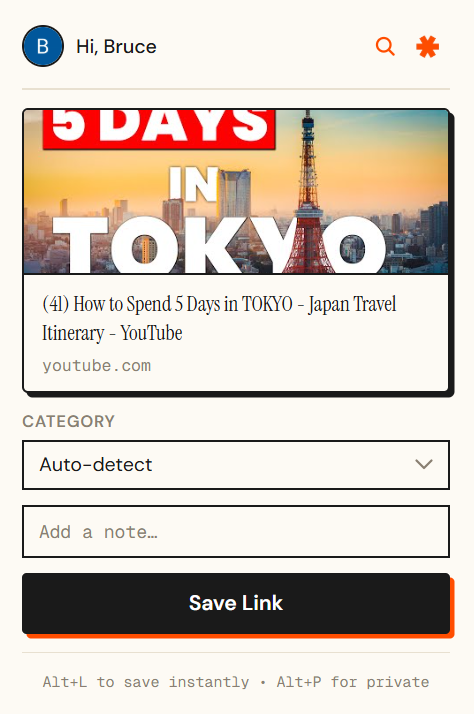
This is the design behind send/links. When you save a link via the Chrome extension, the Telegram bot, or the dashboard, it gets categorized automatically based on the page content.
You never choose a folder. You never add a tag. By the time you open your library, everything is already sorted.
How to Retrieve Anything Later
Automatic organization only helps if retrieval is fast too. send/links gives you two ways to find something.
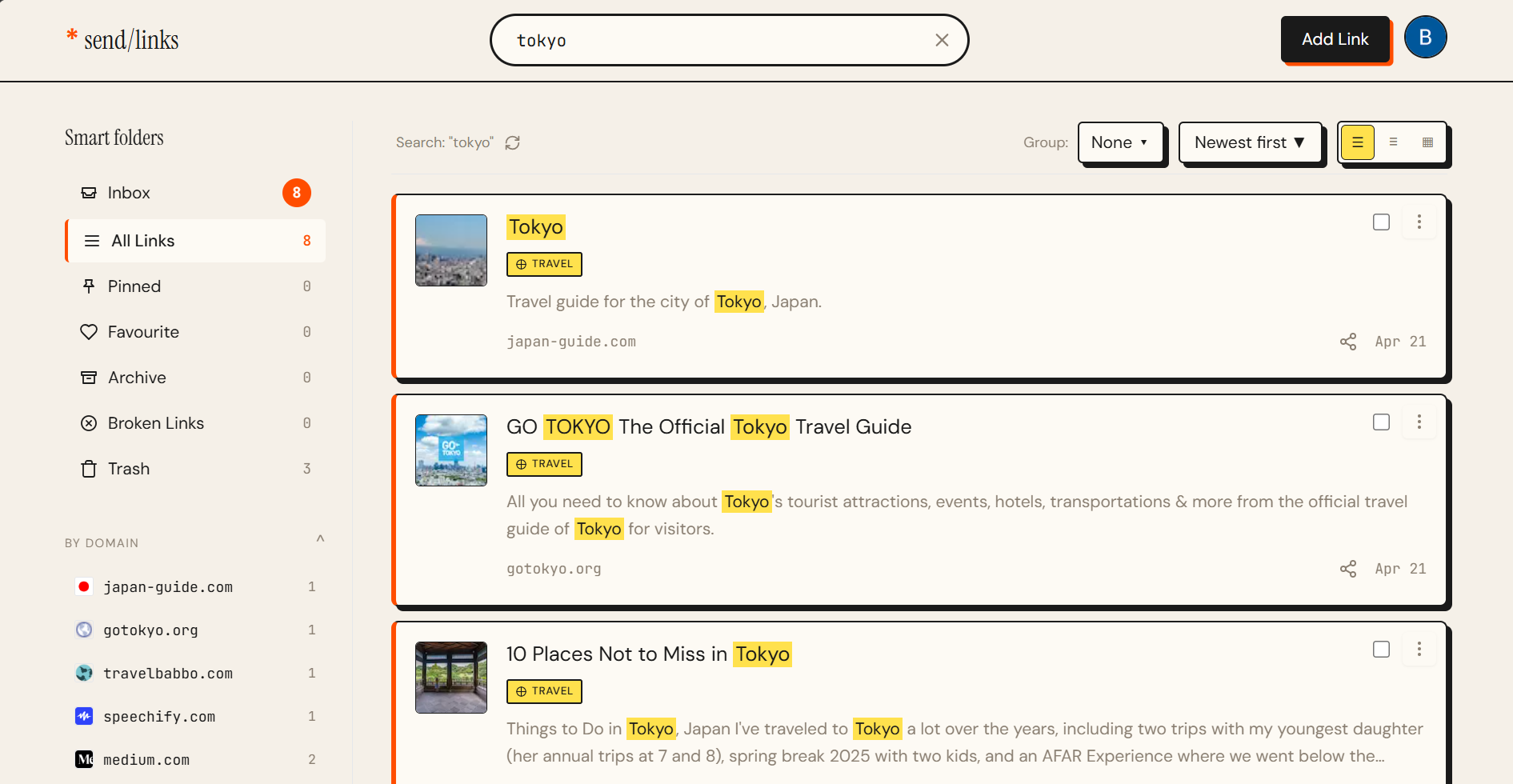
Browse by category. If you remember the general topic, it was something about finance, or a recipe, or a software tool, open that category and scan. Each link shows a title, description, and preview image, so you recognize it in seconds.
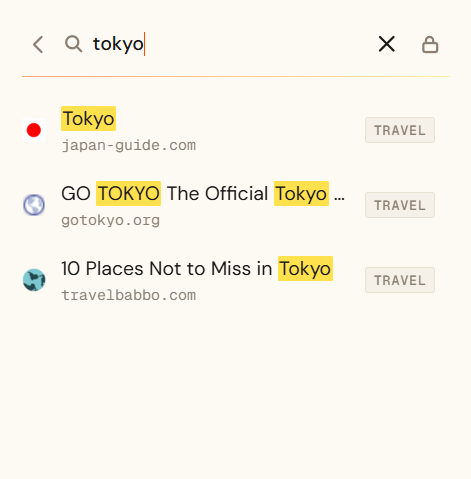
Search by keyword. If you only remember a fragment, a word from the title, the domain name, something about the content, search finds it. Results pull from titles, descriptions, and domains, not just exact matches.
Between the two, you can find almost anything from a vague memory.
One Inbox for Every Source
Organization gets harder when links come from multiple places. Browser tabs, Telegram chats, phone screenshots, email newsletters. Managing a different system for each source is exhausting.
send/links collects from everywhere into one feed. The Chrome extension handles browsing. The Telegram bot handles links from chats. The result is one organized library regardless of how the link got there.
Private Links
Some of what you save is not meant to be part of your main collection. Research you are not ready to share, gifts you are buying, job listings you are quietly evaluating.
send/links has a private mode for this. Private links are completely separate from your main feed, never visible on your public profile, and protected by a PIN.
The System in Three Steps
- Install the Chrome extension and connect the Telegram bot
- Save links without thinking about organization, just save them
- When you need something, browse by category or search by keyword
No weekly cleanup. No retagging sessions. No folder audits.
Start With a Clean Slate
If you have a backlog of unsorted links somewhere, do not try to migrate them. Start fresh with a system that handles organization automatically from day one.
Try send/links free. Your library is organized before you even open it.
Want to dig deeper into how it works? Read about send/links or explore the developer API if you want to push links from your own tools.