You are reading something good. A useful article, a tool you want to try, a product you keep meaning to look at. You know if you close the tab it is gone forever, so you leave it open.
That is how you end up with 60 tabs.
Tab hoarding is almost universal among people who use the internet for work. It is not carelessness. It is a missing piece in the browsing workflow: a fast, frictionless way to save a page and actually trust that you will find it again.
What a Good Chrome Extension Actually Does
Most bookmarking tools technically work but fail in practice. They ask you to pick a folder, add a title, choose tags. You interrupt what you are doing for thirty seconds of admin. So you skip it and leave the tab open instead.
A good Chrome extension should do exactly one thing: save the current page in under two seconds with no decisions required.
One Click, Done
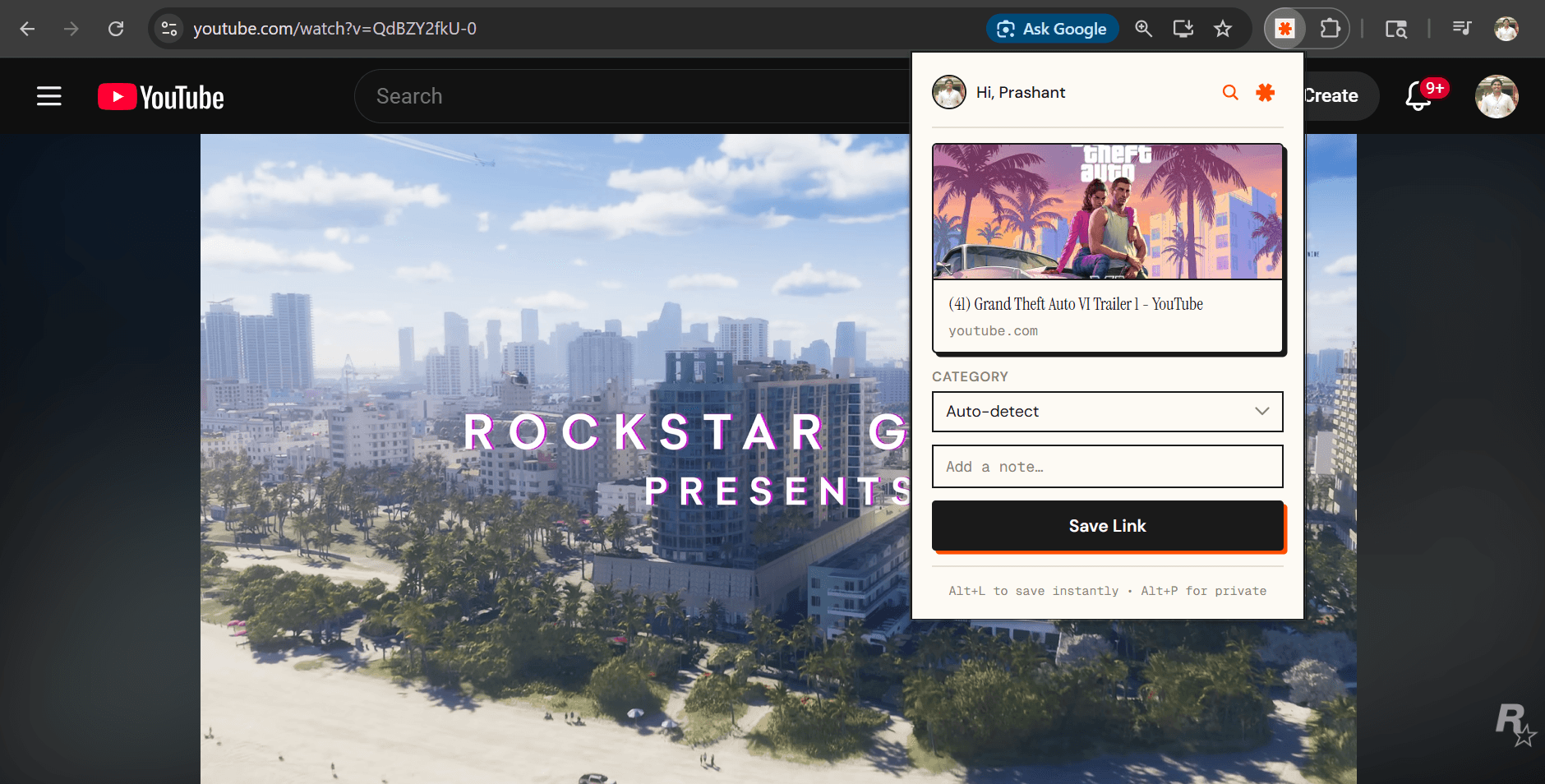
The send/links Chrome extension works exactly like that. You are on a page you want to keep. You click the extension icon. It saves the page and you are back to reading.
No folder selection. No tagging. No title editing. The extension pulls the page title and content automatically and sends it to your library.
Organization Happens Without You
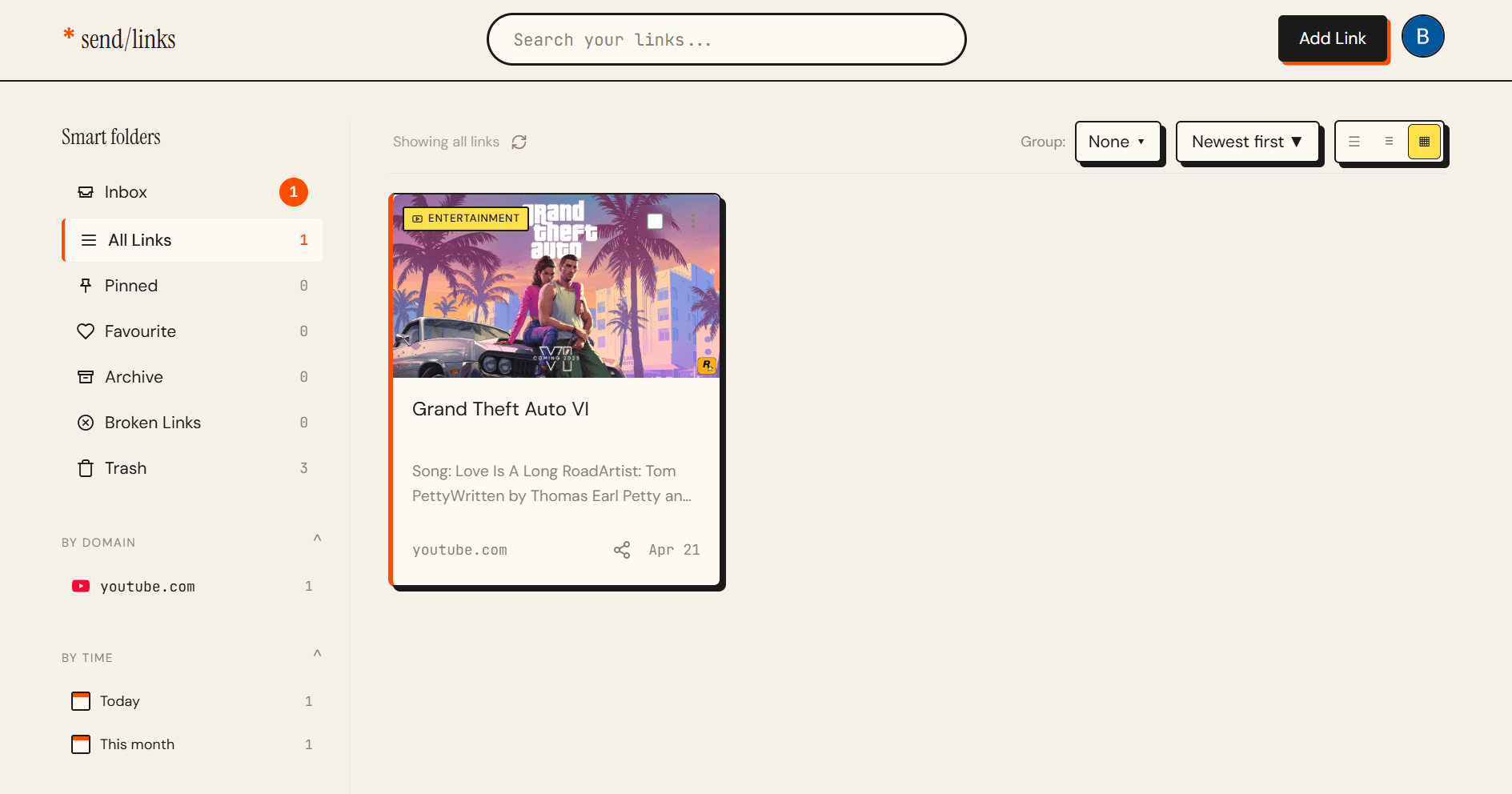
The part that makes this different from traditional bookmarks: every link gets categorized automatically in the background.
send/links reads the content of the page and assigns a category. Development, Finance, Health, Shopping, and so on. You end up with a structured library even if you never thought about organization once.
A month later you want to find a tool you saved while reading about databases. You open Development and scan through a handful of cards. You find it in twenty seconds.
Combine It With Telegram
A lot of useful links come from Telegram, not just from browsing. send/links has a Telegram bot that works the same way. Forward a URL and it is saved to the same library, same categories, same search.
Everything in one place regardless of where the link came from.
Installing It
The Chrome extension is free. Install it, connect your send/links account, and save your first link before you have even finished reading this.
Close the Tabs
The tabs you are keeping open are links you are afraid to lose. A good extension takes that fear away. You can close anything and know it will be there when you need it.
Install the extension free, no credit card, no setup, saves in under two seconds.
Want to know more about how automatic organization works? Read about send/links.